Pinterest lets parents limit how much AI-generated content appears in their teen's feed
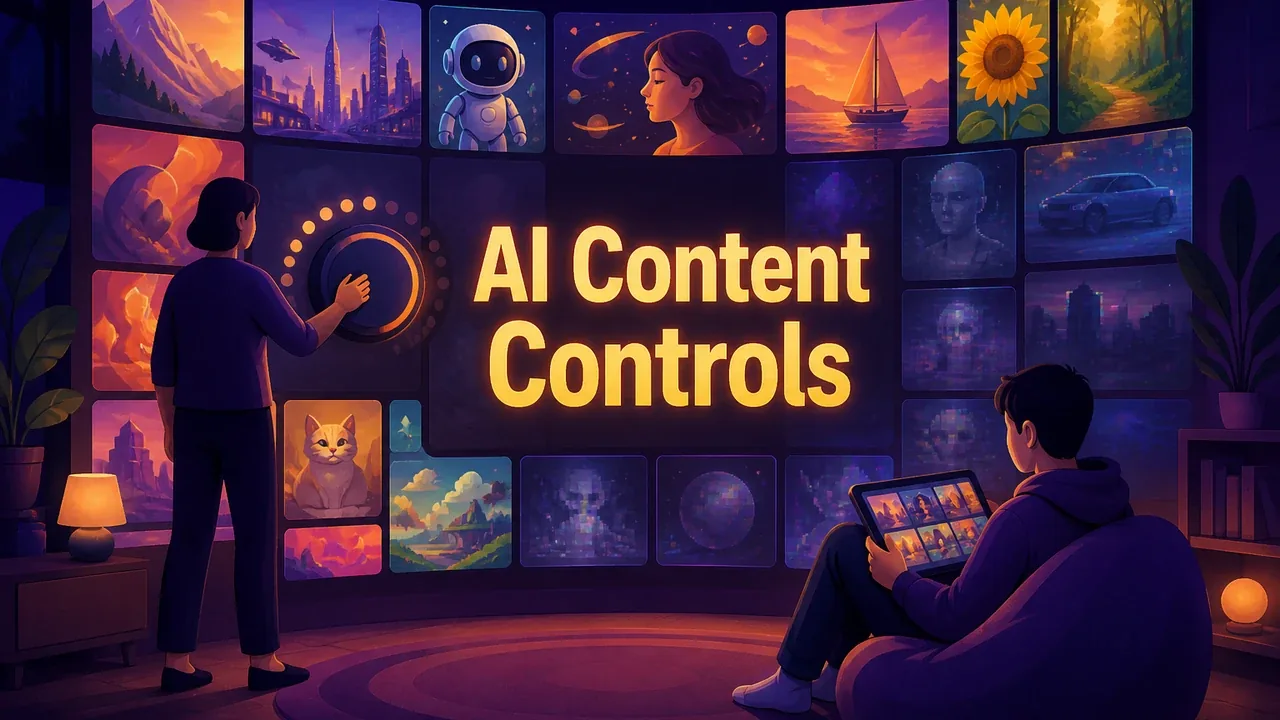
Pinterest's new Parental Controls page adds a setting to adjust the amount of AI-generated content in a teen's recommendations, alongside controls for notifications and video autoplay. Every setting is locked by a parental passcode.
Key numbers
- 1 page for all teen settings
- 3 new controls: AI content, notifications, autoplay
- 4-digit parental passcode locks the settings
What happened
On 23 November 2026, Pinterest launched a single Parental Controls page for teen accounts and added three new settings. The one getting the most attention lets parents turn down how much AI-generated content shows up in their teen's recommendations.
Source: Pinterest Newsroom — Helping families navigate controls for teens on Pinterest
What parents can now do
- AI-generated content: adjust how much appears in a teen's recommendations.
- Notifications: turn push, browser, email and in-app notifications up or down.
- Video autoplay: choose whether videos play automatically.
The page also gathers existing protections in one place: private-by-default profiles for under-16s, limits on ad personalisation, controls for comments and mentions, and links to the phone's own Screen Time and Location settings on iOS and Android. With the parental passcode on, a teen needs permission to make any setting less strict.
Treat it as a dial, not a block. Pinterest says the setting adjusts the amount of AI content, and the company has admitted AI images still slip through its earlier filters.
For parents: set the parental passcode first, otherwise a teen can simply switch the settings back. Then pair these controls with the phone's own screen-time limits, which the new page links to.
Source: https://newsroom.pinterest.com/news/helping-families-navigate-controls-for-teens-on-pinterest/
Tags: AI-generated content, Online safety, Parental controls, Pinterest, Teens