Gemini API adds file slicing, so apps pay only for the pages, cells and clips the model reads
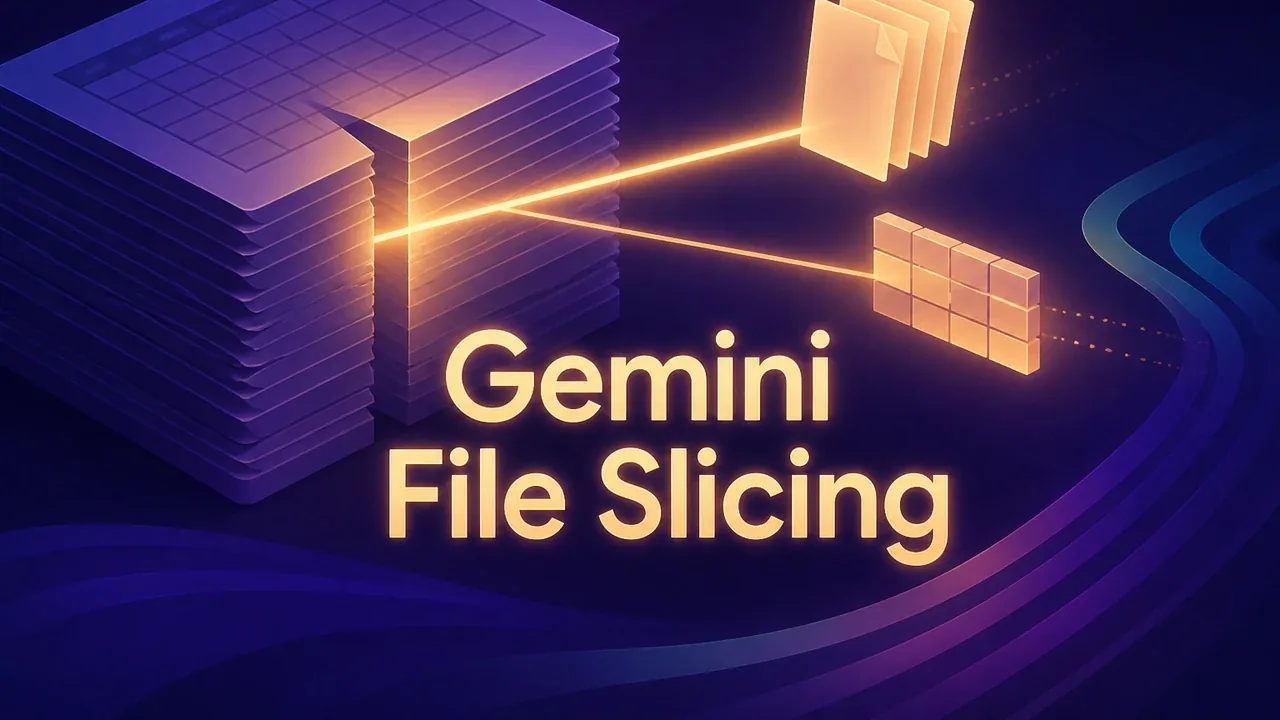
Developers can now tell the Gemini API which pages, spreadsheet ranges or video segments to load from an uploaded file, and are billed only for those parts. The API also now accepts Microsoft Office and OpenDocument files directly.
Key numbers
- All Gemini 4 models that support slicing
- PDF, Office, ODF document formats accepted
- Pages, cells, clips what can be sliced
What happened
On 23 November 2026, Google added file slicing controls to the Gemini API in Google AI Studio and the Gemini platform. Instead of sending a whole file to the model, a developer (or an agent) can ask for just the parts that matter. Only those parts are billed.
Source: Google — Introducing file slicing controls in the Gemini API
What you can slice
- Documents and slides (PDF, Office, OpenDocument): pick a page range, a resolution (low, medium or high) and whether to send page text, page images or both.
- Spreadsheets (.xlsx, .xls, .ods): pick a sheet and a cell range, and choose data, formulas and visuals.
- Video: clip a time range, set frame rate and resolution, and choose transcript, frames or audio.
- Audio: clip a time range.
A file is uploaded once through the Files API and can be reused across turns. An agent can request a different slice inside a function response, so it can skim cheaply first and then zoom in on the charts or frames it needs.
Defaults: if no options are given, documents are sent as layout-preserving page images and spreadsheets include values, formulas and sheet names from every tab, so it is worth setting slices explicitly on large files.
Slicing works with all Gemini 4 models. Existing file size and page limits still apply.
Source: https://blog.google/innovation-and-ai/technology/developers-tools/file-slicing-controls/
Tags: Developers, Documents, Gemini API, Google AI Studio, Token costs